Redesign · October 2026 Hero variation H1

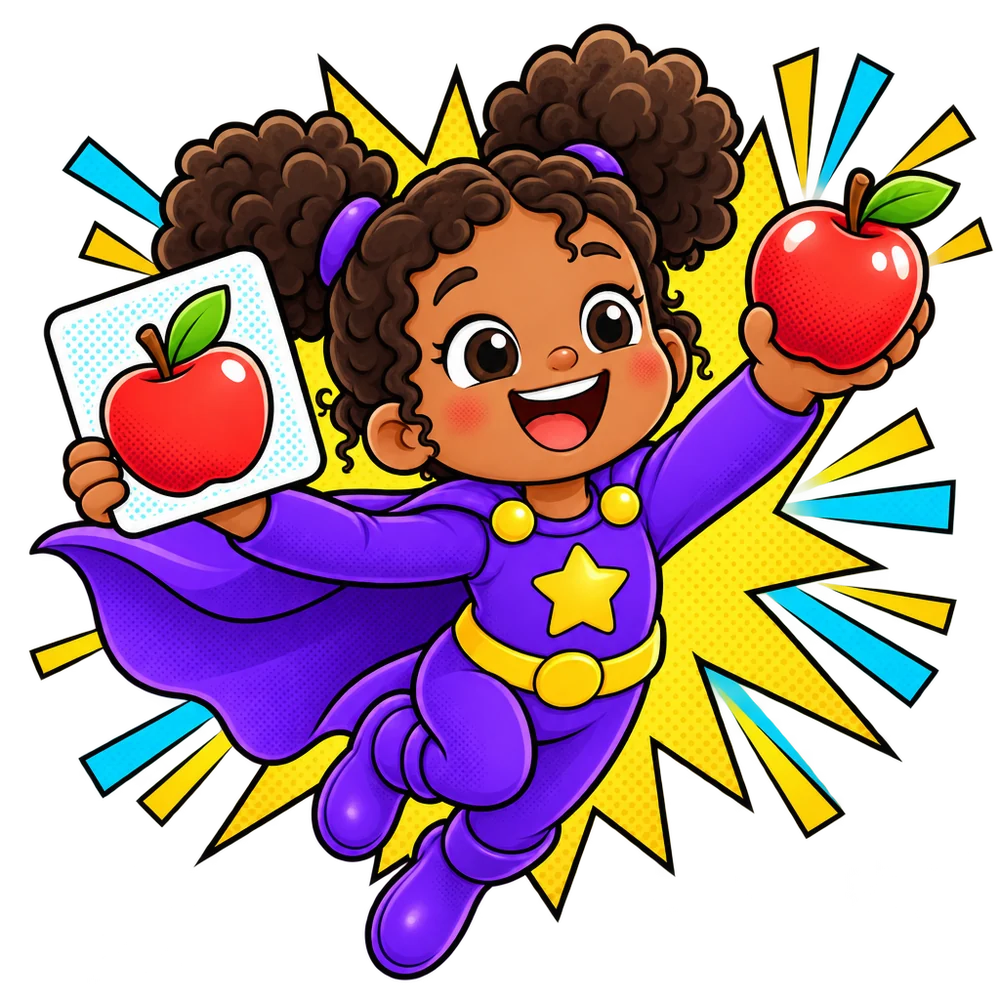
The app is a comic book, and your child is the star.

Comic Heroes

Every screen is a comic page. Each child's animal buddy is their hero: a round halftone frame, a purple cape and their name on a ribbon. Kids tap their hero and a big Play burst starts the game. Grown-ups get two door panels for the child they pick. Ink lines, halftone dots, caption boxes and bursts carry the energy; reading text stays calm Atkinson. Known words become collectible comic cards. Nothing outside a running game asks for a sum or PIN.


Door 1What to learnPower-upsWas “set what is learned”. Turn word sets on, mark words a child already knows.
Door 2ProgressComic collectionWas “reports”. Known words become cards; learning words fill a 15-panel strip.
Starring: your child!
POW!
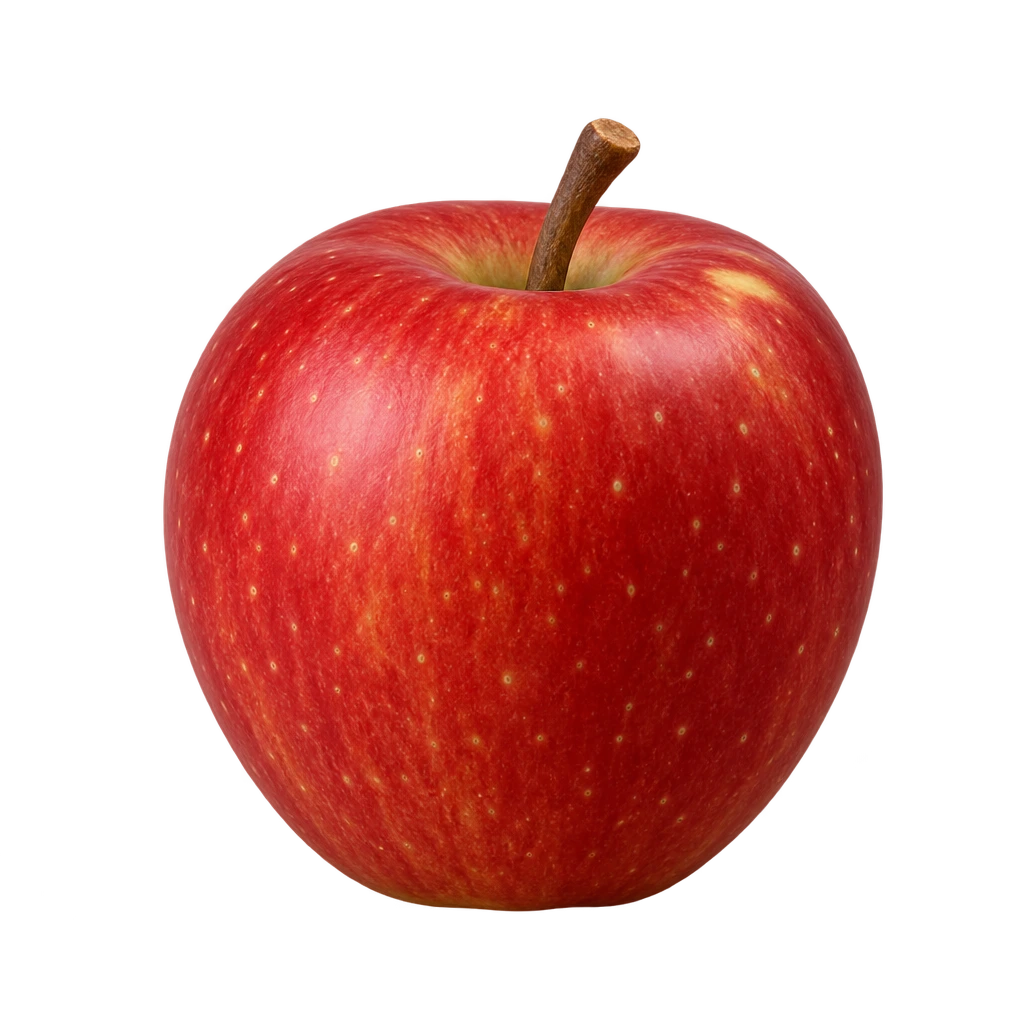
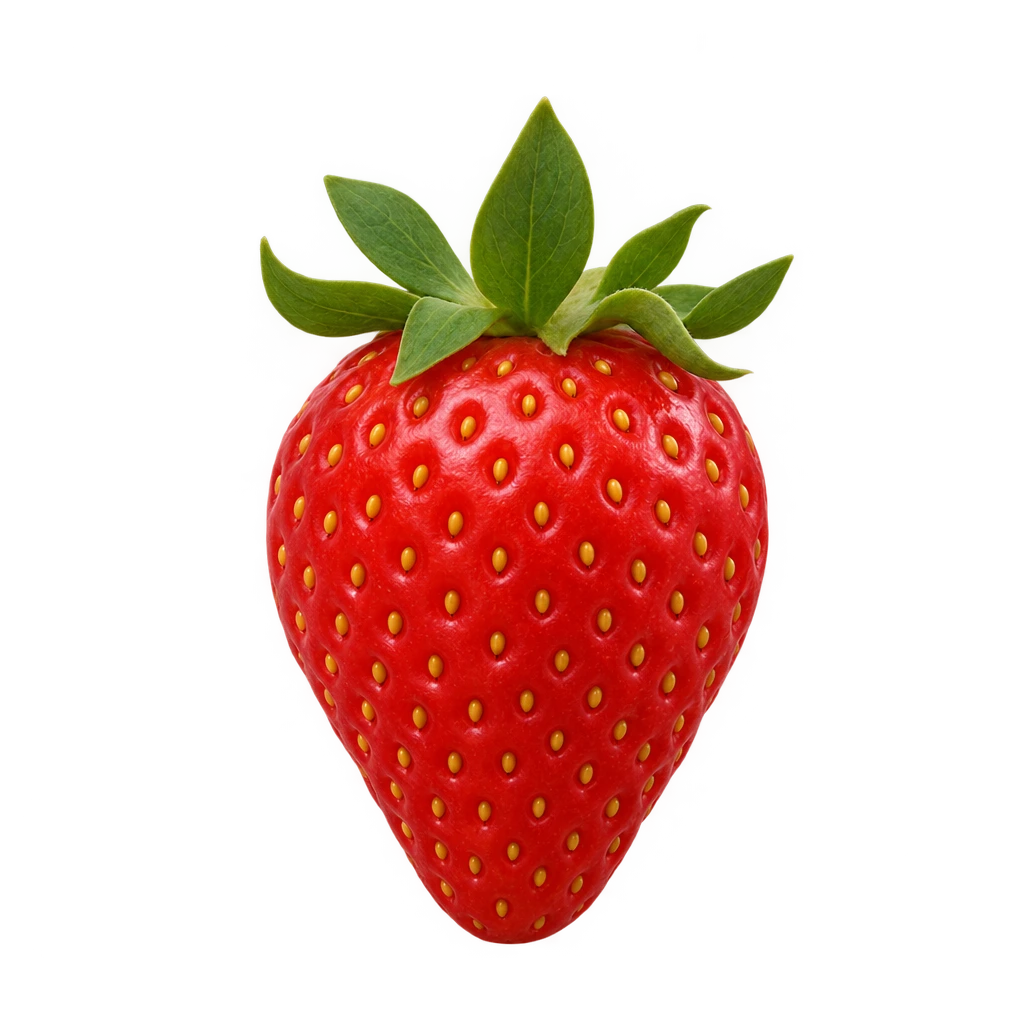
Apple! Dog! Ball!
I know these!
Hero loop · 5 s · on its own #DBF1FC card

Palette

Paper#FFFBF0
Ink#1B1530
Purple#6C2BD9
Sunny#FFC83D
Cyan#22C3E6
Tomato#FF5A4E
Sky panel#DBF1FC
Lilac panel#EFE6FF
Purple the one main button, capes, learning steps Sunny bursts, caption boxes, known words Cyan Sam's panels, the sky behind the hero Tomato Noor's panels, videos, POW! Ink every outline and all body text Paper the page; text never sits on dots

Type

Fredoka SemiBold, outlined · one or two words per screen
Sam is ready!
Fredoka SemiBold · headings, names, buttons
Who's playing?
Atkinson Hyperlegible Next · body 15–18px
Apple, cup, dog, shoes… the everyday words your child needs, with real pictures.

Comic kit · six pieces, used everywhere

Ink panel3–4px ink border, hard offset shadow, tilted 1°.
HalftoneDots that fade out, so text never sits on them.
Who's playing?
Caption boxSection headings, the comic narrator's voice.
Play
BurstOnly behind the main action on a screen.
I'll pick
the order!
Speech bubbleSuperChild talking: hints and the coach.
Sam
Hero frameBuddy in a halftone disc, cape and name ribbon.
1
Chapter 1

First launch

Four benefit slides, each its own comic panel with a concrete promise. “Get started” on every slide skips the rest.


9:41
SuperChild
Starring: your child
cup banana shoe

Real words for real life

Apple, cup, dog, shoes… the everyday words your child needs, with real pictures.
1 · Real wordsThe hero loop plays on its own sky panel (#DBF1FC, the video's own colour, so the edges vanish). Real word pictures pop out of the frame.
9:41
SuperChild
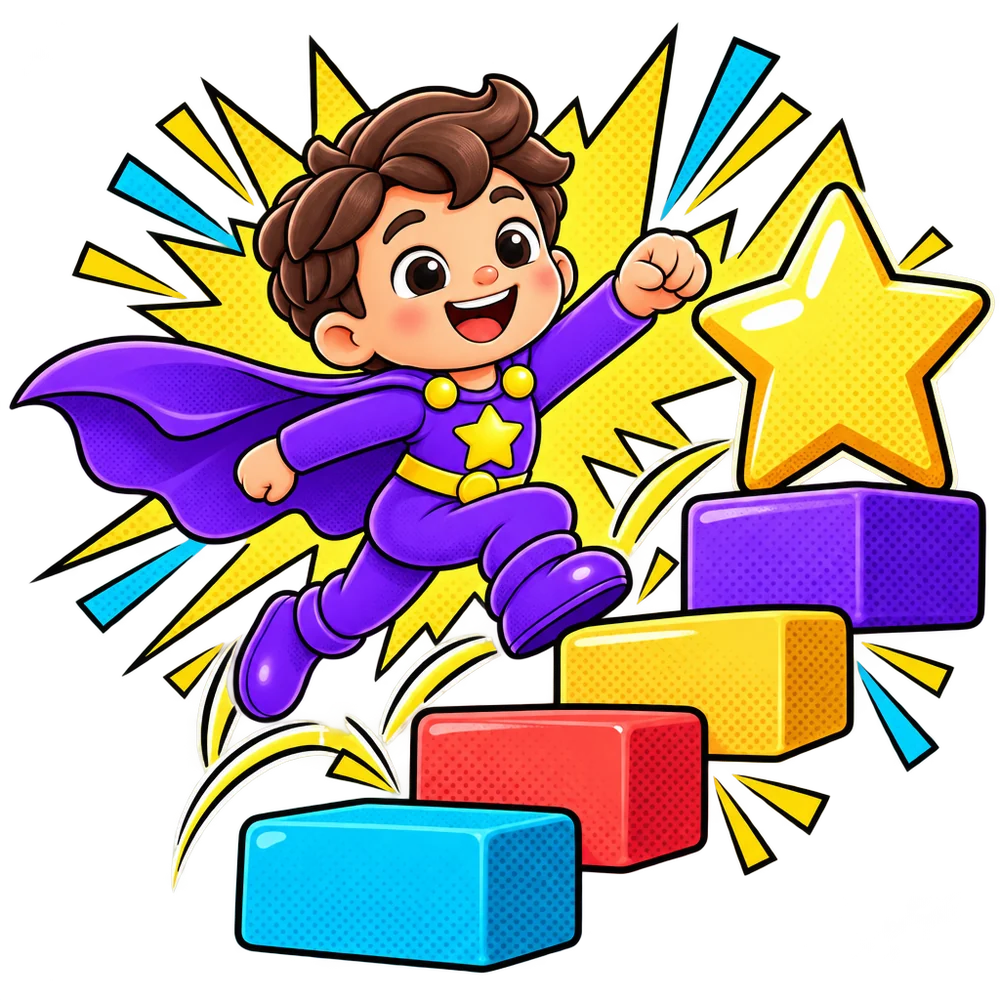
A caped kid hero jumping up colourful blocks towards a big star
One small step…
ListenFindRead

Tiny steps, big wins

Each word goes from listening to finding to reading, one small step at a time. No rush, no timers.
2 · Tiny stepsThe hero hops up the blocks to a star. The mini strip names the steps a grown-up will see later: listen, find, read.
9:41
SuperChild
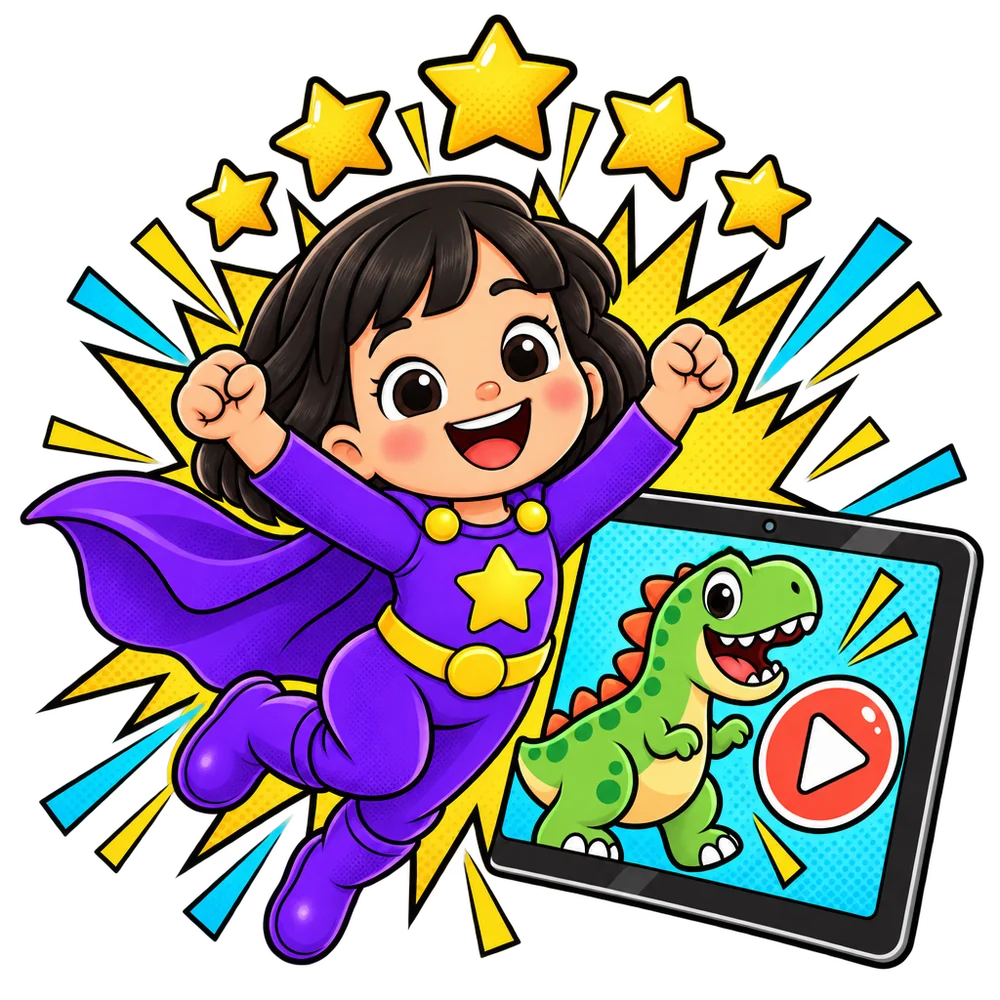
A cheering kid hero under gold stars next to a tablet playing a dinosaur video
Then… reward time!
Video

Rewards they love

Stars fill up while they play. Then they pick a favourite video, and back to words.
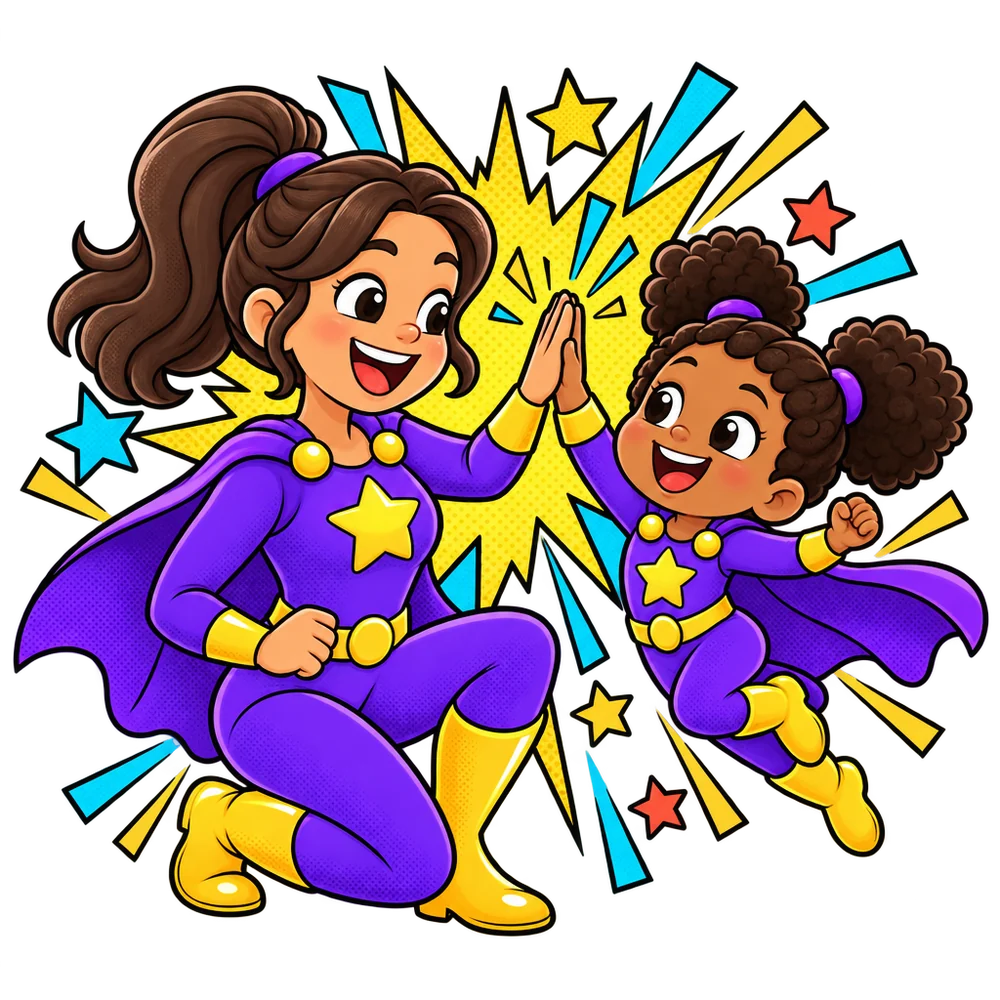
3 · RewardsFive stars fill the board, then a favourite video. The same rewards for every child.
9:41
SuperChild
A grown-up and a caped child giving each other a high-five
Grown-ups see it all
apple
Known now

See every win

Watch words go from new to known. You always see what's learned and what's next.

4 · See every winThe high-five. A known word becomes a collectible card, the same card grown-ups find in Progress.
2
Chapter 2

Set up a child

One screen, then a celebration. No age, no word-set step, no coach step.

9:41

Add a child

Pick a buddy Tap to change
Name or nickname Optional
Main language Sets the word sets
We start with Fruits. Change it any time.
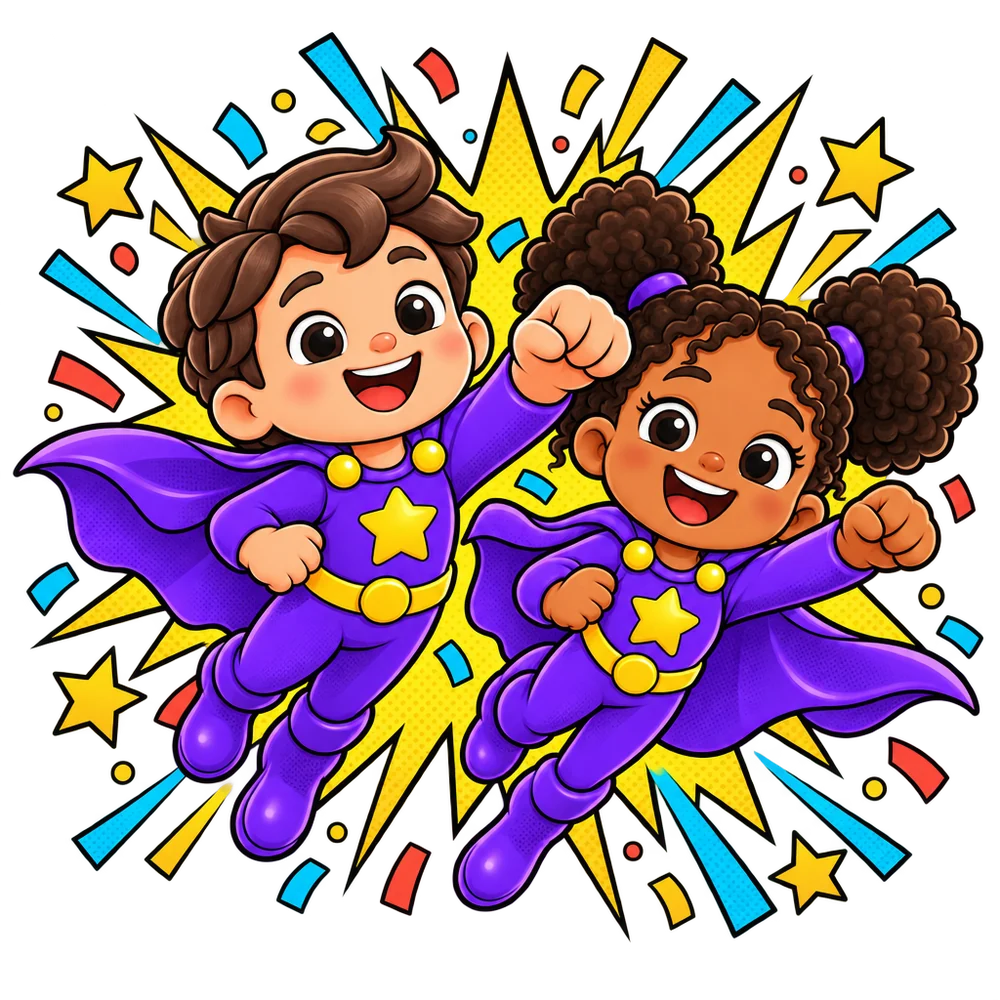
Add a child · one screenThe bear is already picked, the language follows the app, Fruits is already on. Type a name (or don't) and tap once. The preview panel shows the hero being made.
9:41
Two caped kid heroes flying side by side, cheering
YAY!

Sam is ready!

Hand over the phone. Let's play!

First up: Fruits · 12 words
3 tips for grown-ups
  1. Sit together the first time.
  2. Sound on: every word is spoken.
  3. Guided Access (iPhone) or screen pinning (Android) keeps them in the game.
Ready! · a splash pageConfetti, Sam's name in big comic letters, one Start playing button. The three tips for grown-ups fold away in one quiet line.

From “Get started” to playing: one tap

Every choice on Add a child is already made for you. Accept the defaults and the comic starts.
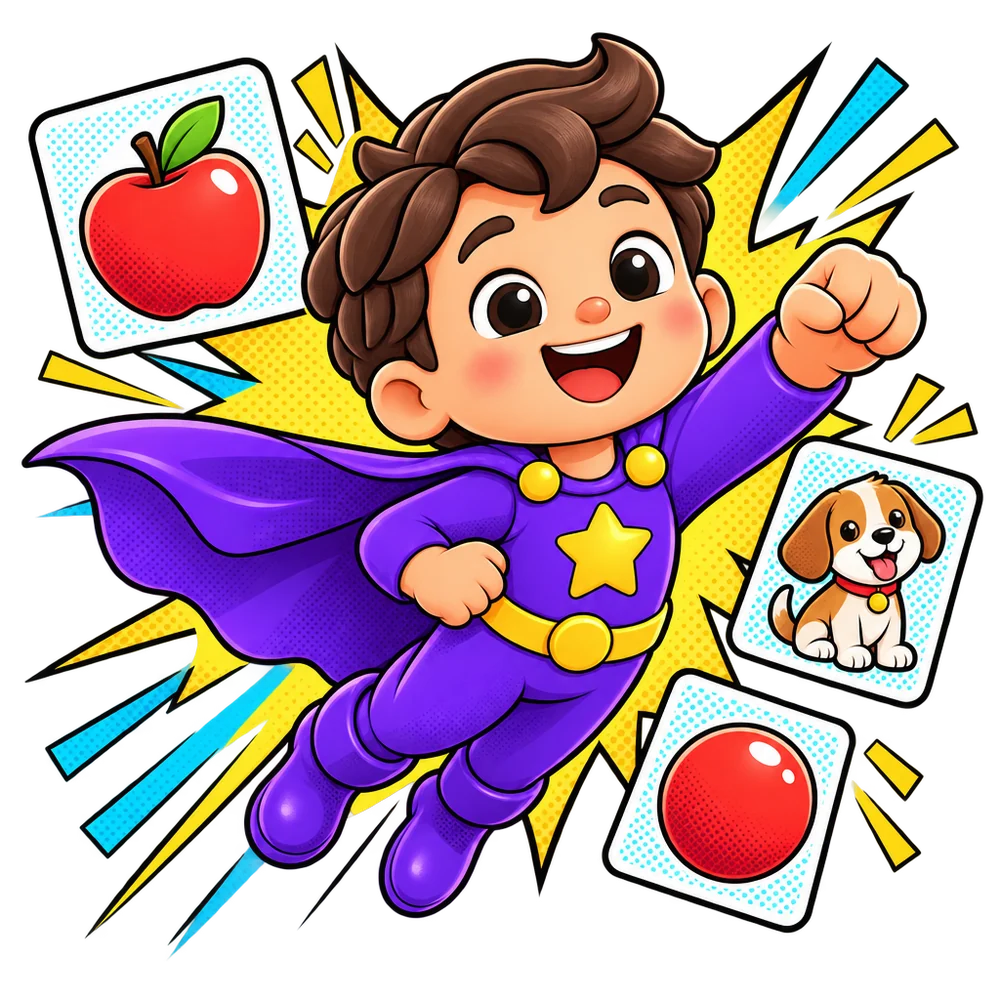
1Get started
2
Add Sam
3Ready!
4
Play
Playing
  • Buddy pre-picked. The bear is chosen; tap another if you like.
  • Language follows the app. English or Nederlands, two chips.
  • Fruits is already on. The coach picks the order by itself.
  • No age, no word-set step, no coach step. And no sum.
3
Chapter 3

Every day

Kids tap their hero and play. Grown-ups get two door panels and one settings sheet. No sum or PIN anywhere here.

9:41
SuperChild
Who's playing?
Playing without an account · Save progress
Start page · a comic pageTop panel: Who's playing? Tap a hero and play starts. Below, two door panels for the child picked in the switcher (Sam's bear sits on each door). The gear and pencils open straight away, no sum.
9:41

What to learn

Sam
Let SuperChild chooseIt picks the order and moves at Sam's pace.

Word sets

English · 1 on
Fruits12 words
On for Sam
Animals12 words
Off
Toys8 words
Off
Vehicles8 words
Off
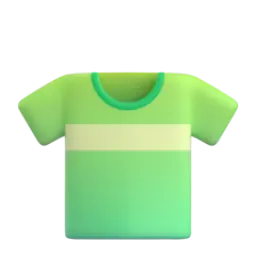
Clothes8 words
Off
At home8 words
Off
What to learnWord sets are comic cards with one clear on/off switch. SuperChild says in a speech bubble that it picks the order, so there is nothing else to set. Sam only sees English sets.
9:41

Fruits

On for Sam
12 words for SamSuperChild picks the order.
3 known4 learning5 coming up
Tap a word to change it.
pearSam is learning this · step 4 of 15
Fruits · every word, one choiceReal pictures for all 12 words. A thin purple bar on each learning picture fills with its 15 steps. Tap a word, then pick Learning, Already knows or Skip.
9:41

Progress

Sam
This week, Sam…
4games
3new words
2favourite videos

Collected! Known words

3 of 12
apple
banana
strawberry

Learning now

4 words · 15 steps each
orangestep 9 of 15
grapesstep 6 of 15
pearstep 4 of 15
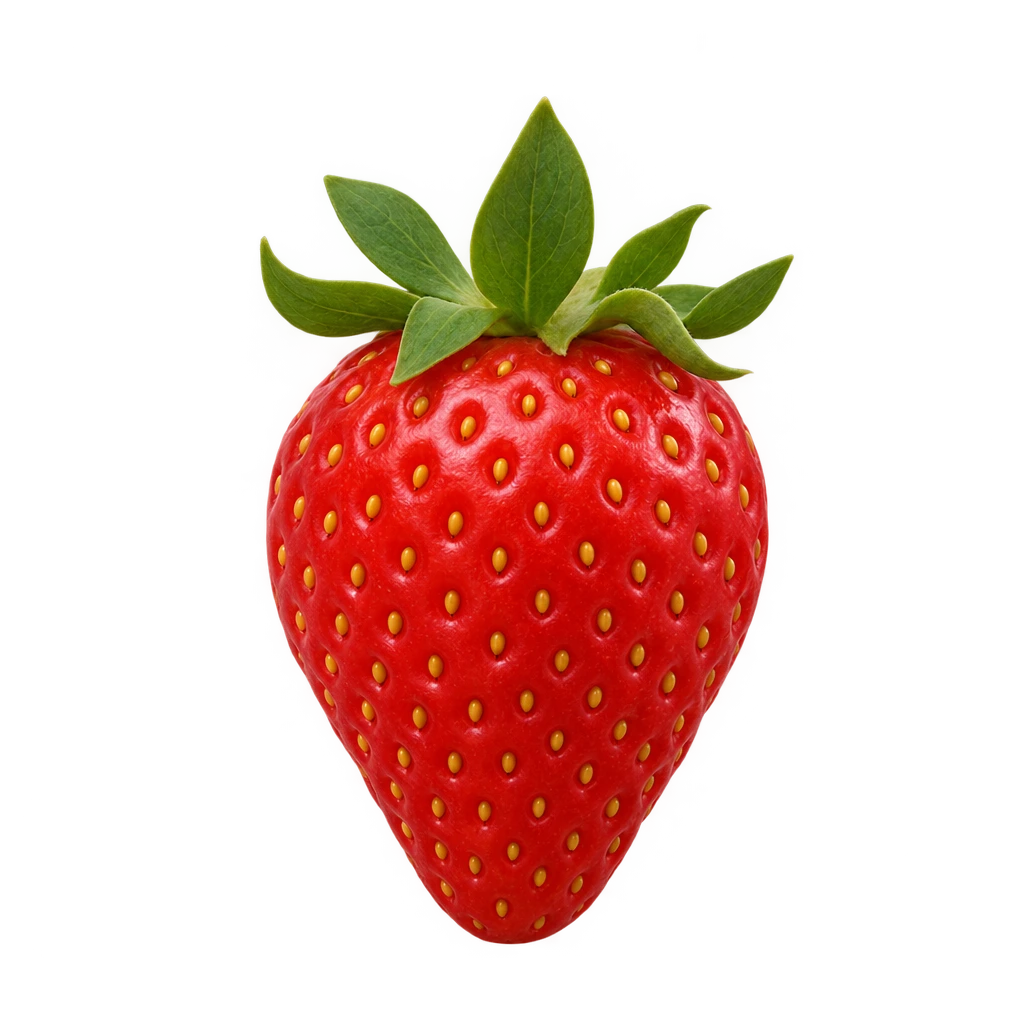
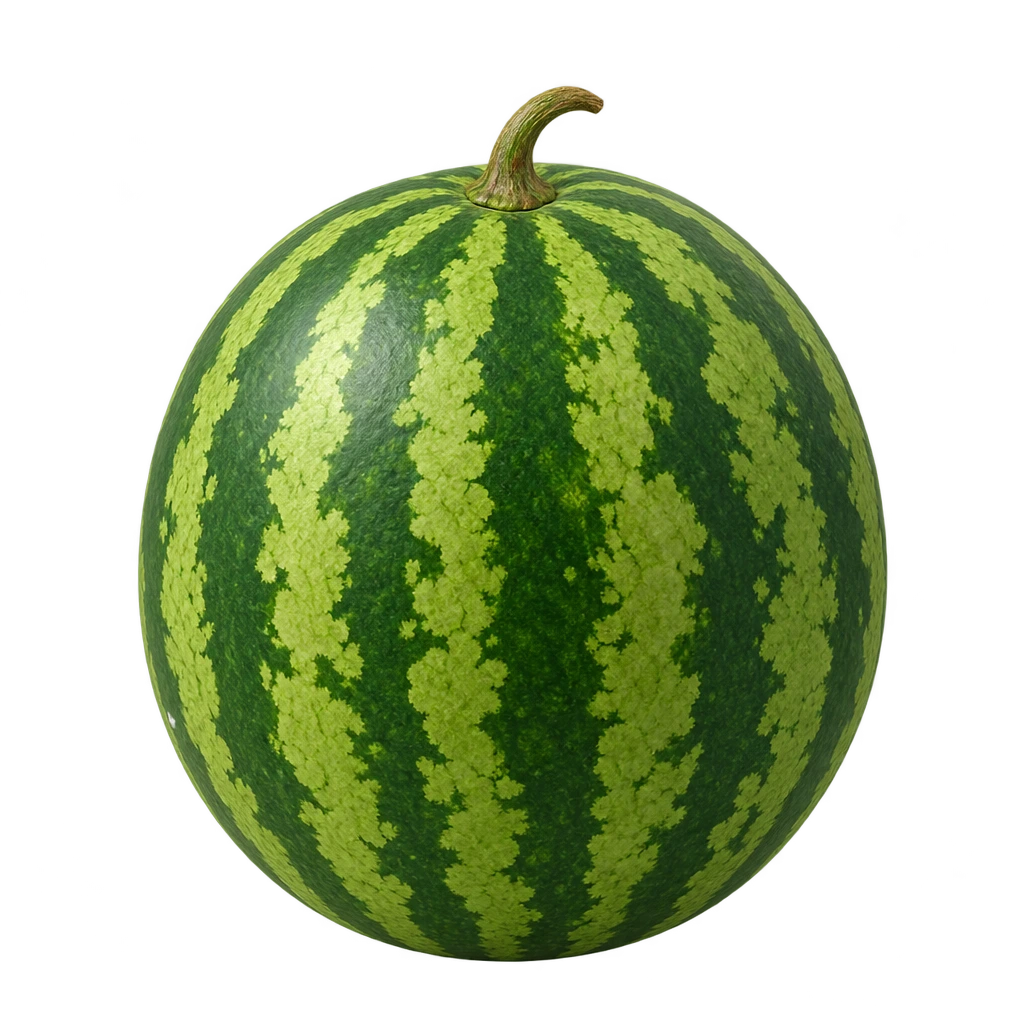
watermelonstep 2 of 15

Coming up

5 words
Face down, not startedcherry, mango, kiwi, peach, pineapple
Progress · Sam's comic collectionThis week's wins in a caption box. Known words are collectible cards, each learning word fills a 15-panel strip, and the coming-up words wait face down.
9:41

Sam's settings

Name or nickname
Buddy 12 to pick from
Main language Sam sees English sets
Rewards
Favourite videosWhen the star board is full
Video soundPlay videos with sound
More optionsProgramme, steps, notes, sharing
  • Fixed words for a written programme Off
  • Mastered steps Automatic
  • Notes None yet
  • Share with a co-parent or therapist Invite
  • Archive Sam Keeps progress
Changes save by themselves
Child settings · one sheetOpens from the pencil on Sam's hero panel, with no sum. Name, buddy, language and rewards on one sheet; the rare things fold into More options. This used to be six screens.
9:41
Paused
apple
For grown-upsAnswer to leave the game
What is 12 + 5?1
Leaving a game · the only sumThe only place with the grown-up sum: an easy addition in a compact panel at the bottom. The game stays visible above it.
The end

What got simpler

Same app, far fewer decisions for the grown-up, and one big button for the child.

Start page

Before6 thingsChildren, set tiles, more sets, coach cards, sync banner, install hint
Now2 panelsWho's playing (tap = play) and two grown-up doors

Add a child

Before3 stepsProfile, word sets, then the coach
Now1 screenDefaults already filled in, so it's one tap

Child settings

Before6 screensSpread over separate sub-screens
Now1 sheetName, buddy, language, rewards, plus “More options”

Grown-up sum

BeforeEverywhereAsked on every grown-up screen
Now1 placeOnly when pausing or leaving a running game

Welcome

Before1 pictureThe same dark silhouette on all four slides
Now4 panelsEach slide shows one benefit in its own comic panel

Words for grown-ups

BeforeJargonLadders, mechanics, trials, reports
NowPlain wordsWhat to learn, Progress, known, learning, coming up
SuperChildHero variation H1 · Comic Heroes · Mockup: every screen is static; toggles, buddies, word choices and the keypad are tappable.
← All hero variations