 Redesign · October 2026
Hero direction · round 2
H3
Redesign · October 2026
Hero direction · round 2
H3
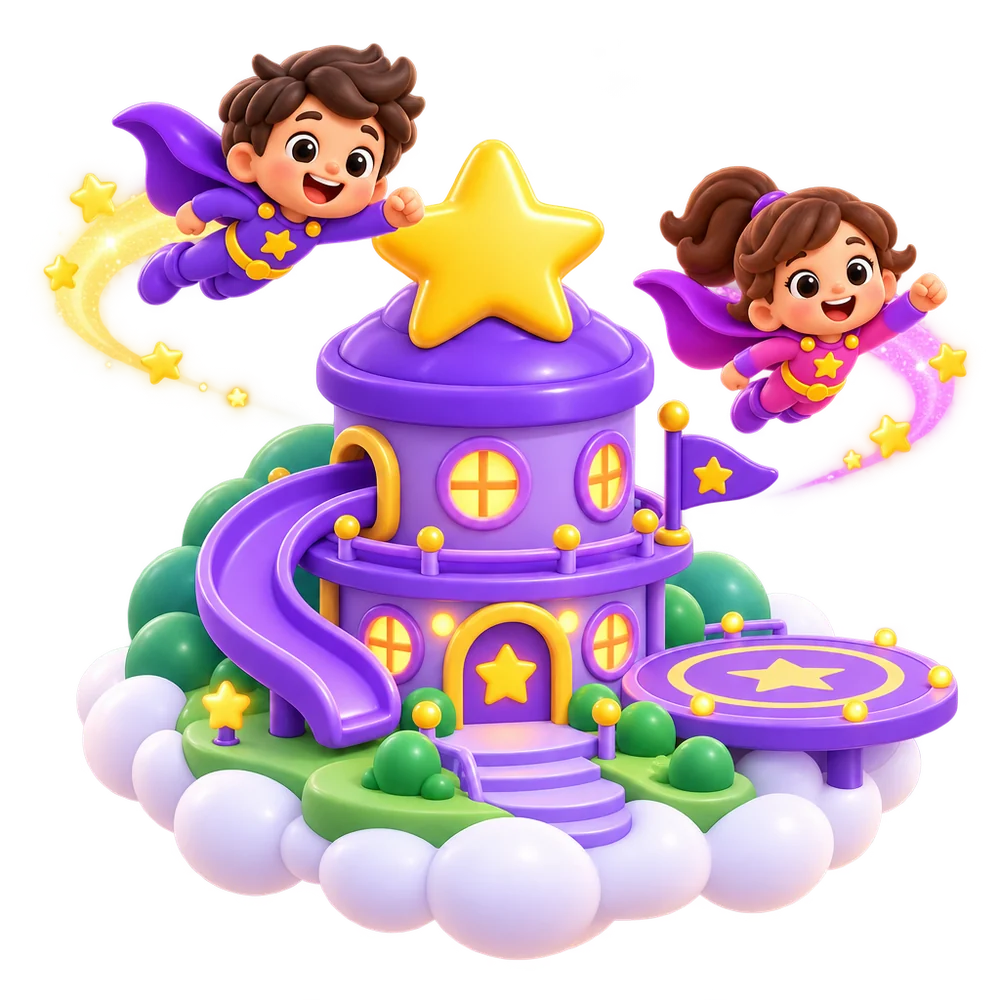
SuperChild is a little floating headquarters
Hero Base
Children launch from their own glass pod: one tap and they are playing. Grown-ups visit two rooms: the Word Lab (what to learn) and the Trophy Hall (progress). Word sets become missions, each with its own embroidered patch. Isometric clay, open sky and soft clouds keep it light and fun, and nothing outside a running game asks for a sum or PIN.

Pods Launch
Each child has a glass pod with their animal buddy. Tap it and press Launch: straight into play.
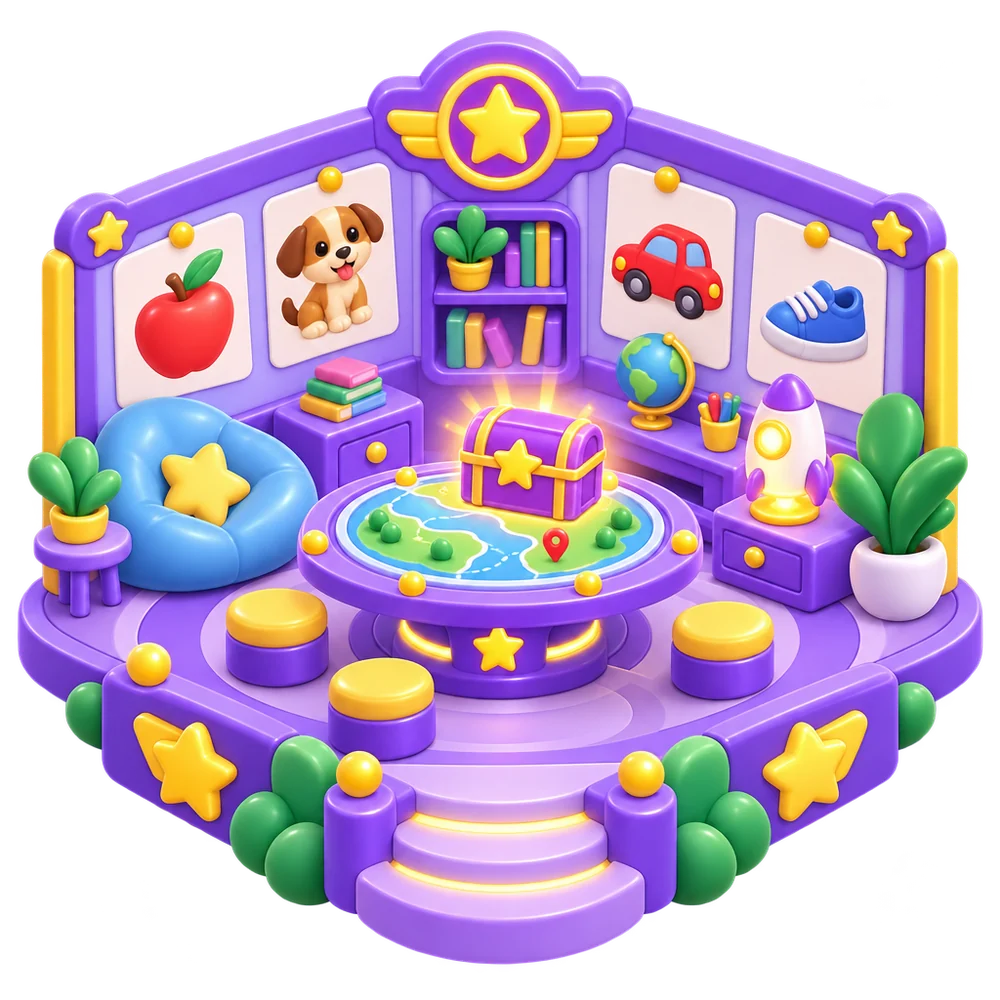
What to learn Word Lab
Missions on or off, and a simple choice per word: Learning, Already knows or Skip.

Progress Trophy Hall
This week's wins, gold medals for known words, a 15-step track for each word in progress.

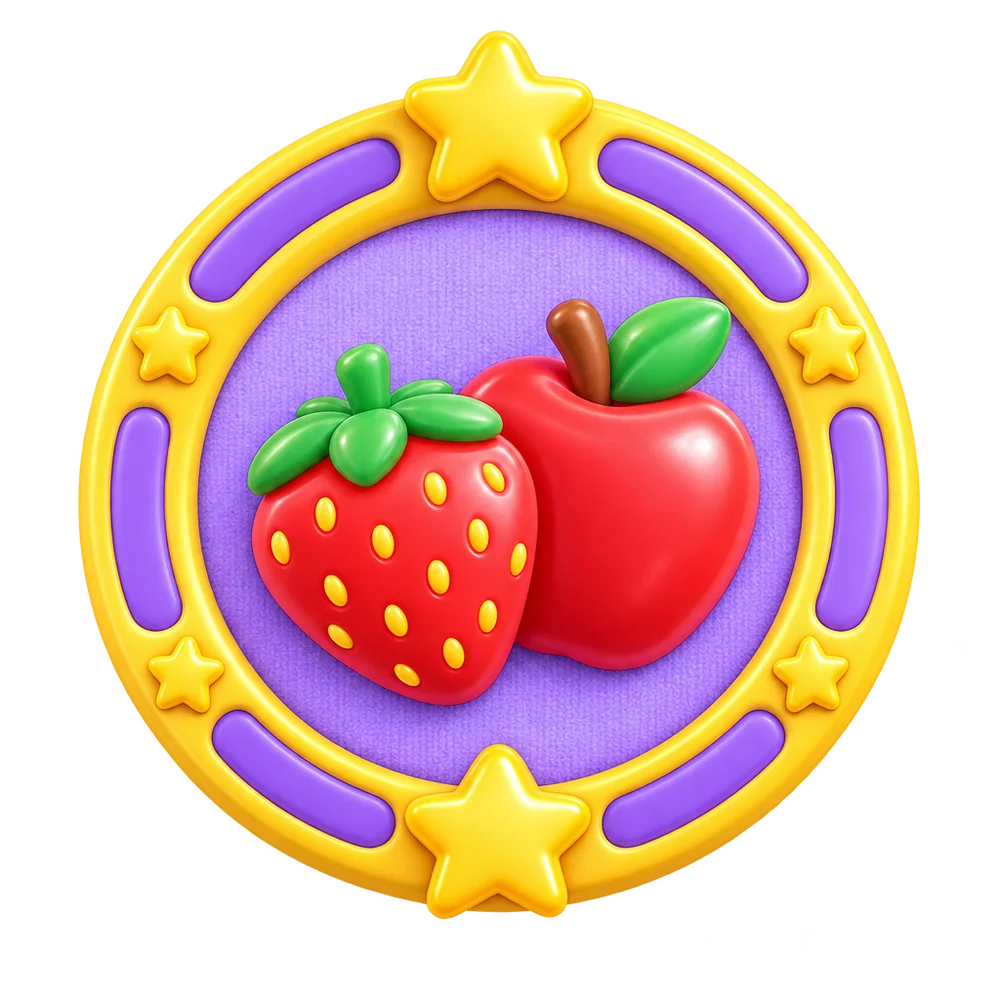

Missions Patches
Every word set is a mission with its own patch. On a mission means on; Start mission turns one on.
Palette
Motifs
 Glass podEach child's buddy
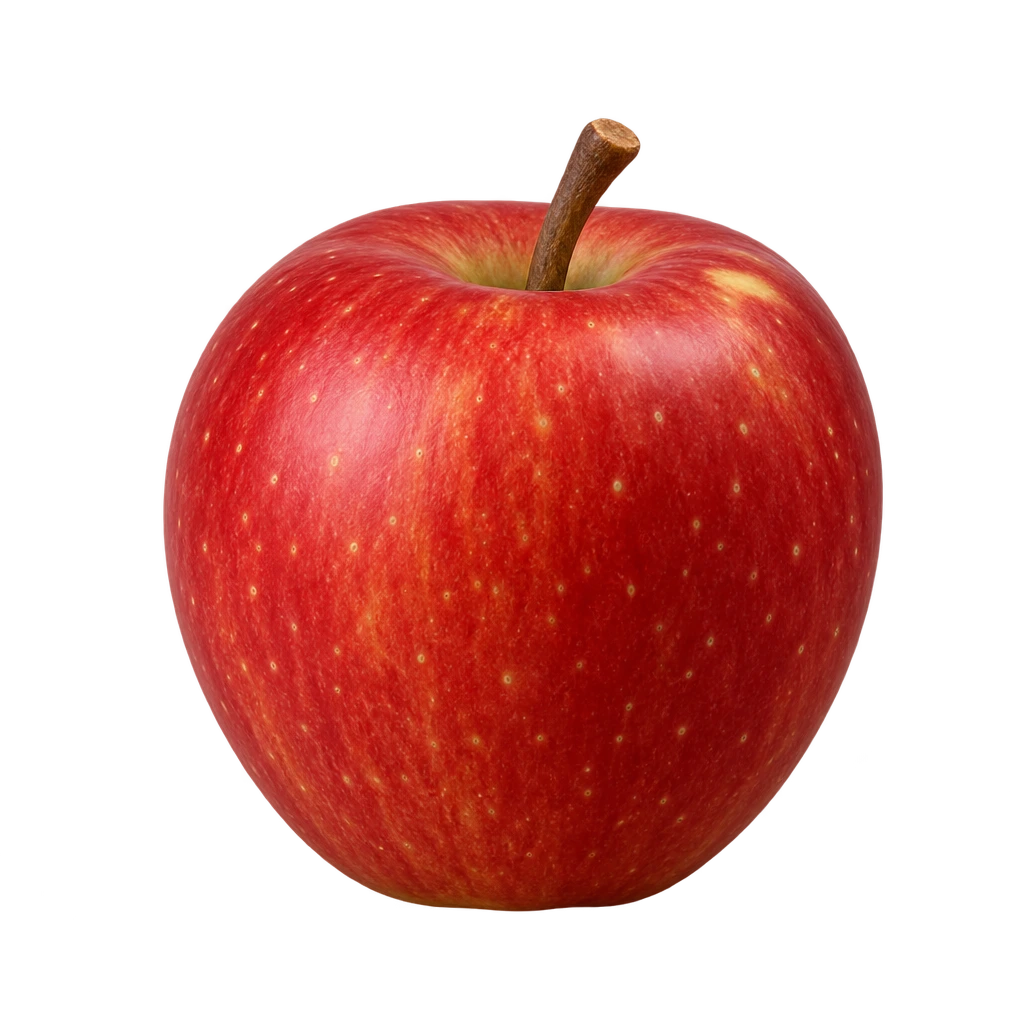 PortholeReal word pictures
 Mission patchOne per word set
Type
Fredoka SemiBold · headings, names, buttonsFirst launch
Four benefit slides, each with its own scene from the base and one concrete promise. “Get started” on every slide skips the rest.


Real words for real life
Apple, cup, dog, shoes… the everyday words your child needs, with real pictures.
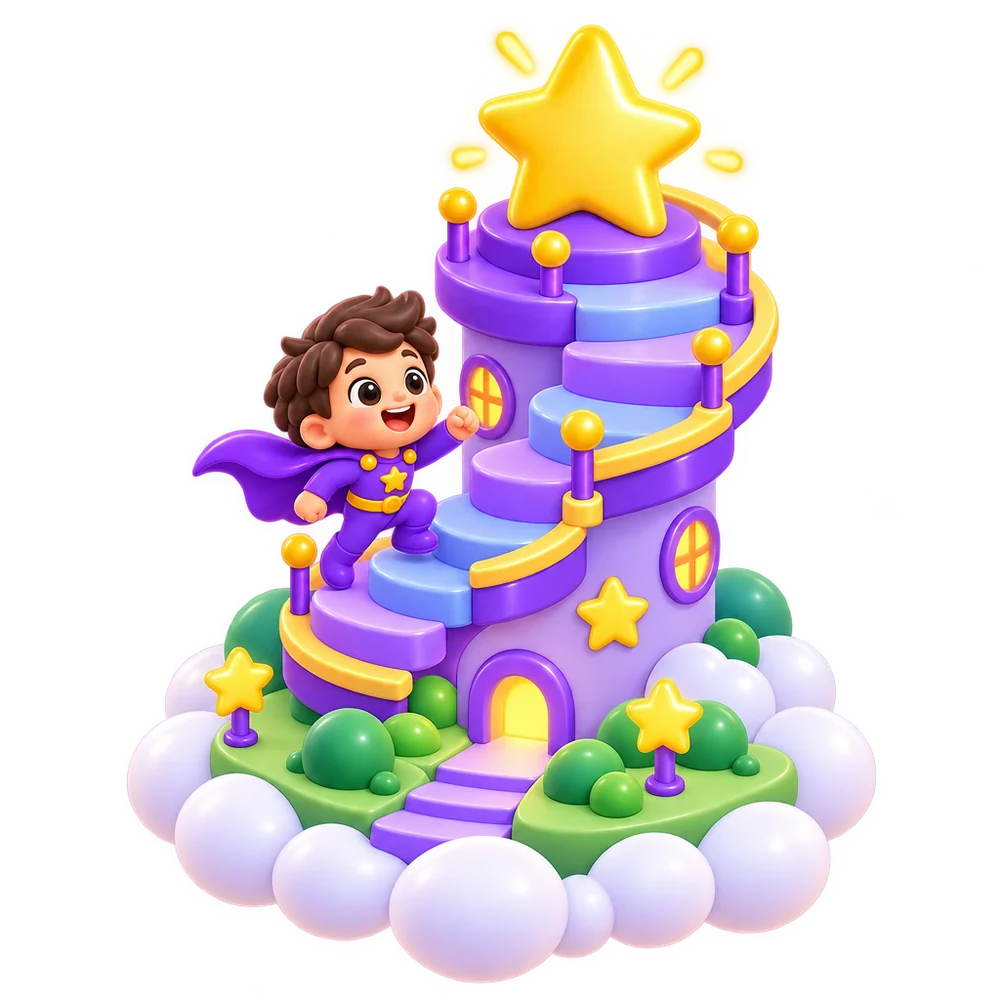
Tiny steps, big wins
Each word goes from listening to finding to reading, one small step at a time. No rush, no timers.
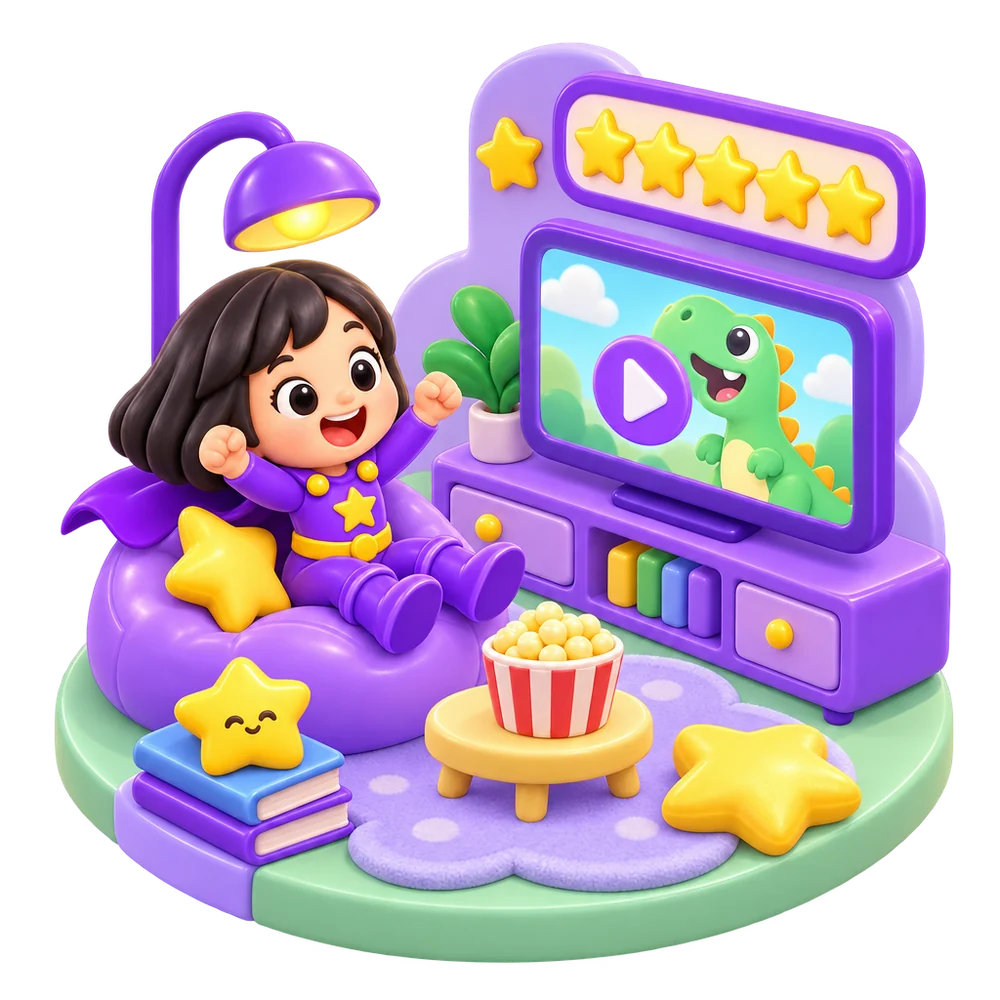
Rewards they love
Stars fill up while they play. Then they pick a favourite video, and back to words.
 apple
appleKnown now · gold medal
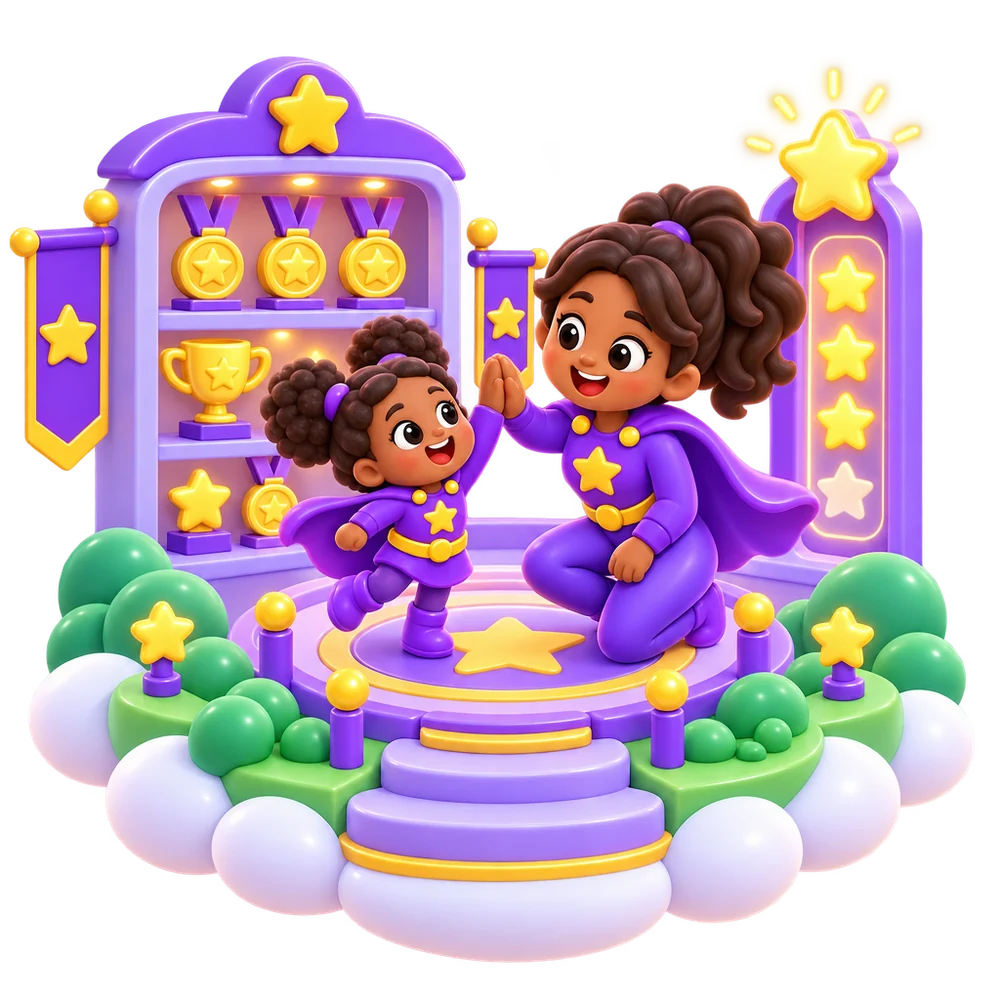
See every win
Watch words go from new to known. You always see what's learned and what's next.
Set up a child
One screen, then lift-off. No word-set step, no coach step.
Bear buddy
We start with the Fruits mission. Change it any time.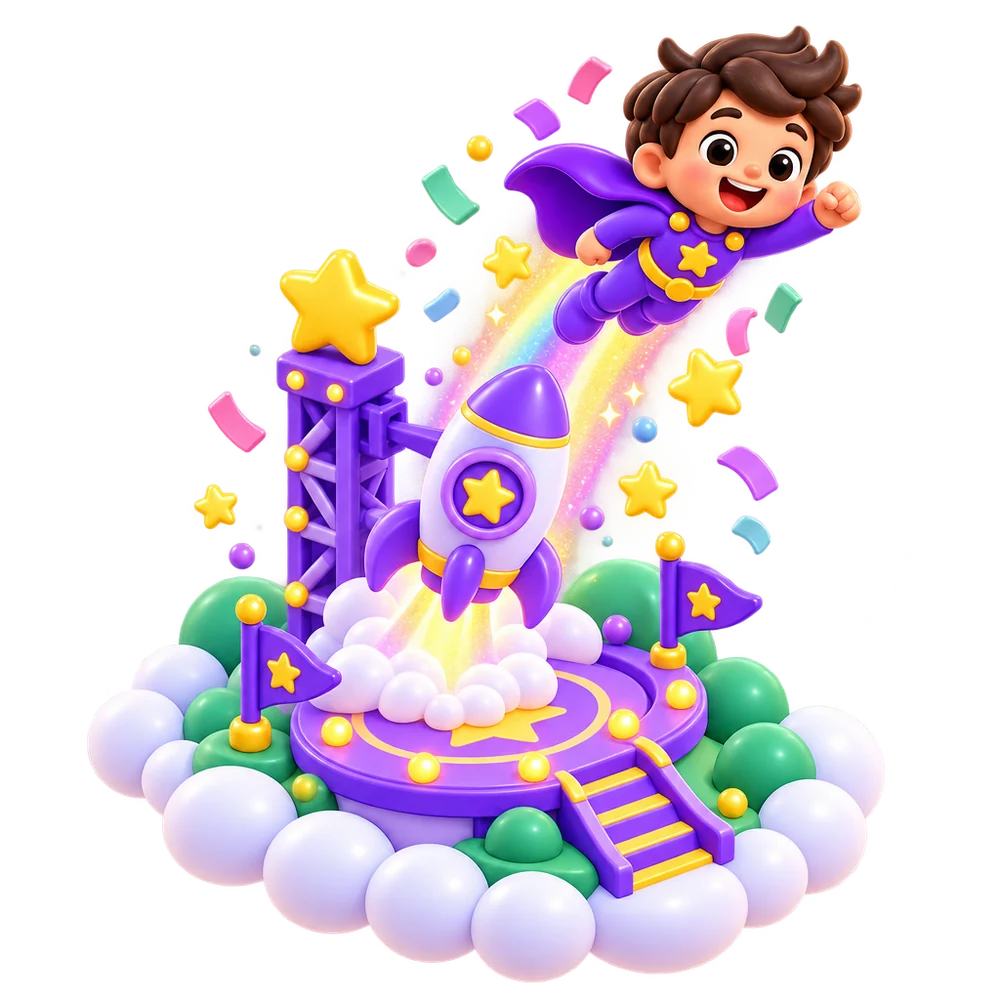
Sam is ready
for launch!
Bear buddy is in the pod. Play the first words together.
Fruits mission · 12 words
- Sit together the first time.
- Turn the sound on.
- Guided Access or screen pinning keeps them in the game.
Pre-flight check:
already done.
Every field arrives filled in. A parent in a hurry taps one button and the child is in the pod.
- Buddy is chosen. The bear waits in the pod; tap another animal to swap.
- Name is optional. “Name or nickname”; blank is fine.
- Language follows the app. Two chips if you need to change it.
- Fruits mission is on. Change it any time in What to learn.
Word-set step, coach stepare gone from setup.
Every day
Children launch from their pod. Grown-ups visit two rooms and one settings sheet. No sum or PIN anywhere here.
What to learn
SamMissions
English · 1 on a missionFruits12 wordsAnimals12 wordsToys8 wordsVehicles8 words Clothes8 words
 At home8 words
Tap a patch to see its words.
12 words for Sam
3 known4 learning5 coming up
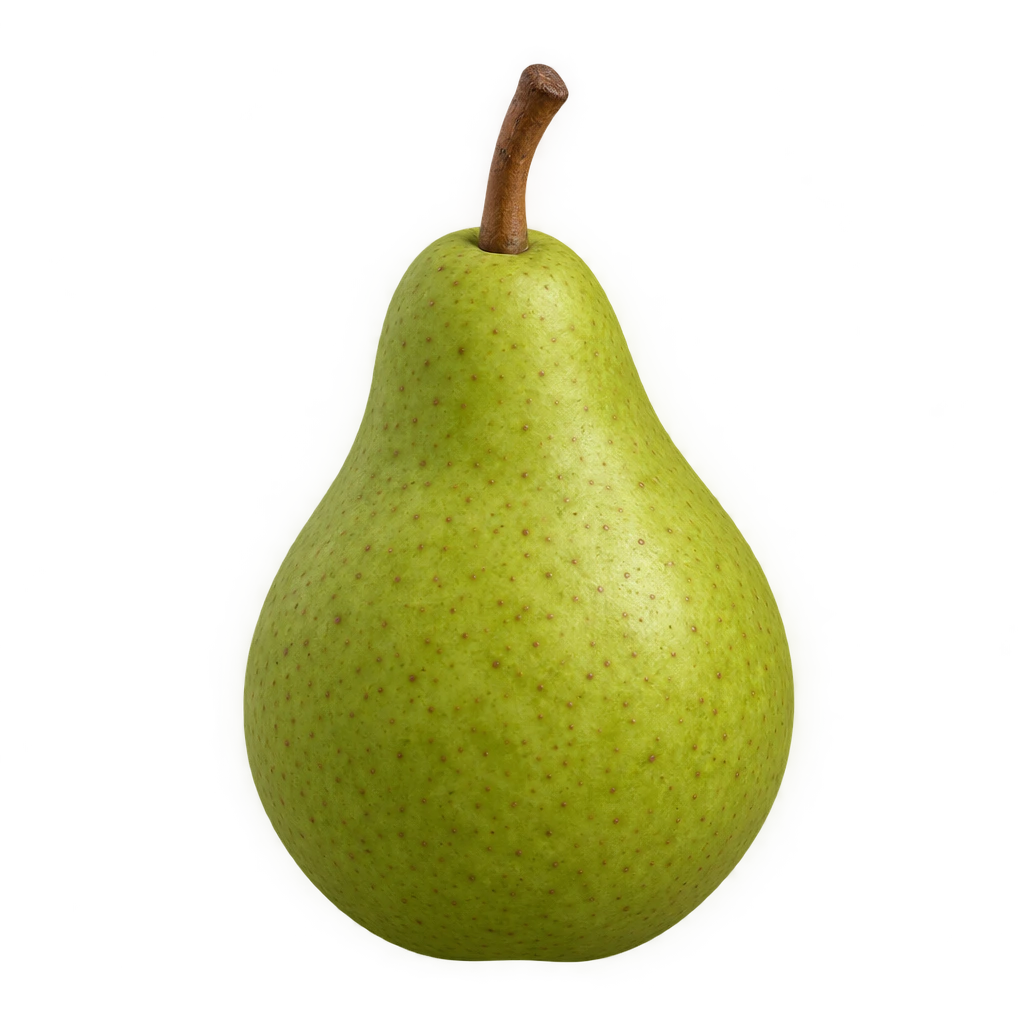 pearSam is learning this · step 4 of 15
Progress
SamThis week
Gold medals
3 known wordsapple banana
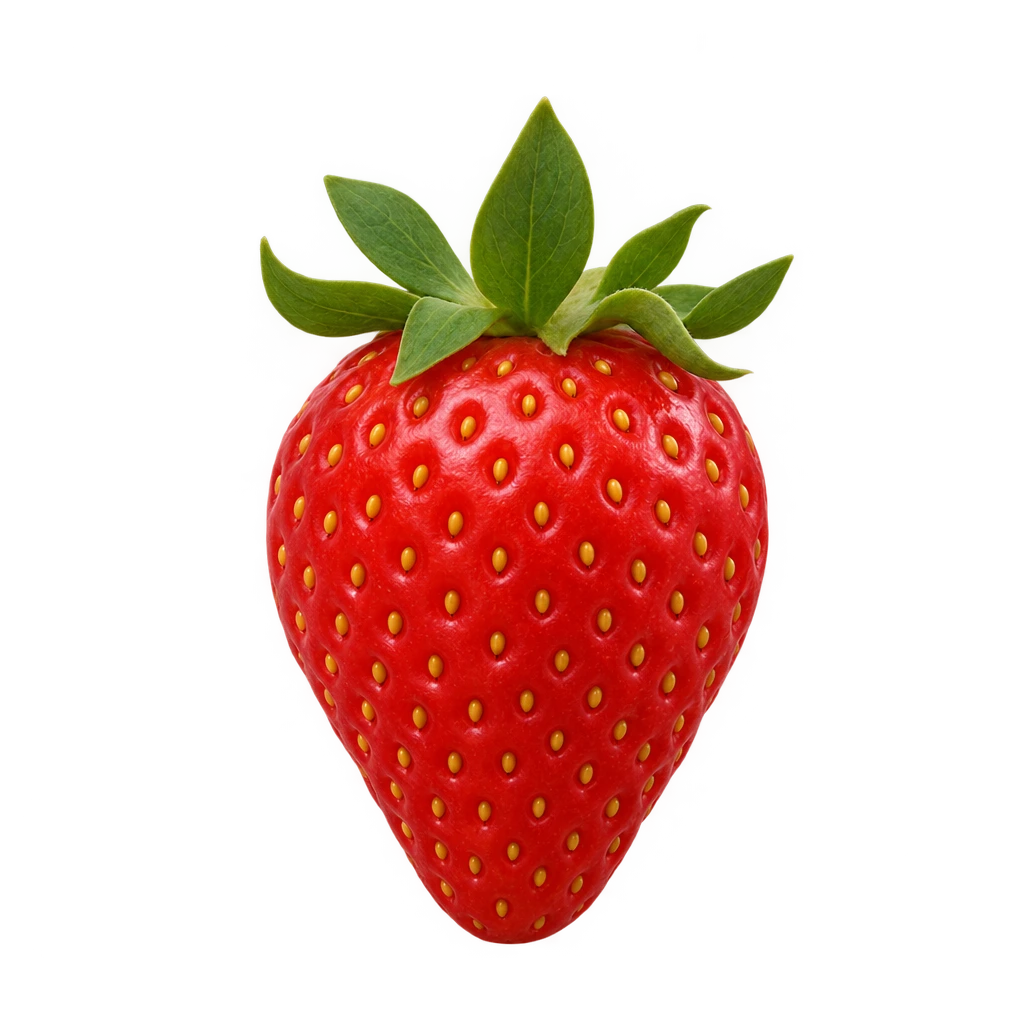 strawberry
Learning now
15 small steps each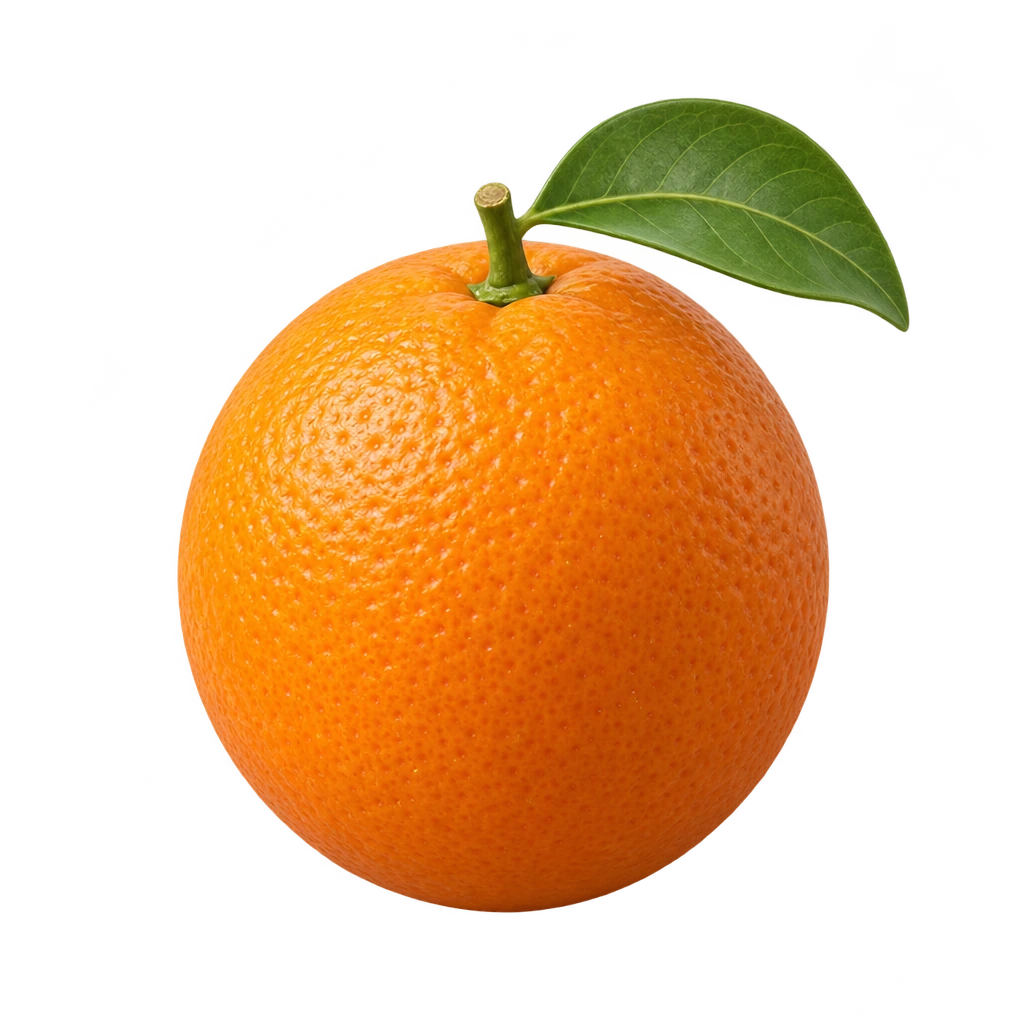 orangestep 9 of 15
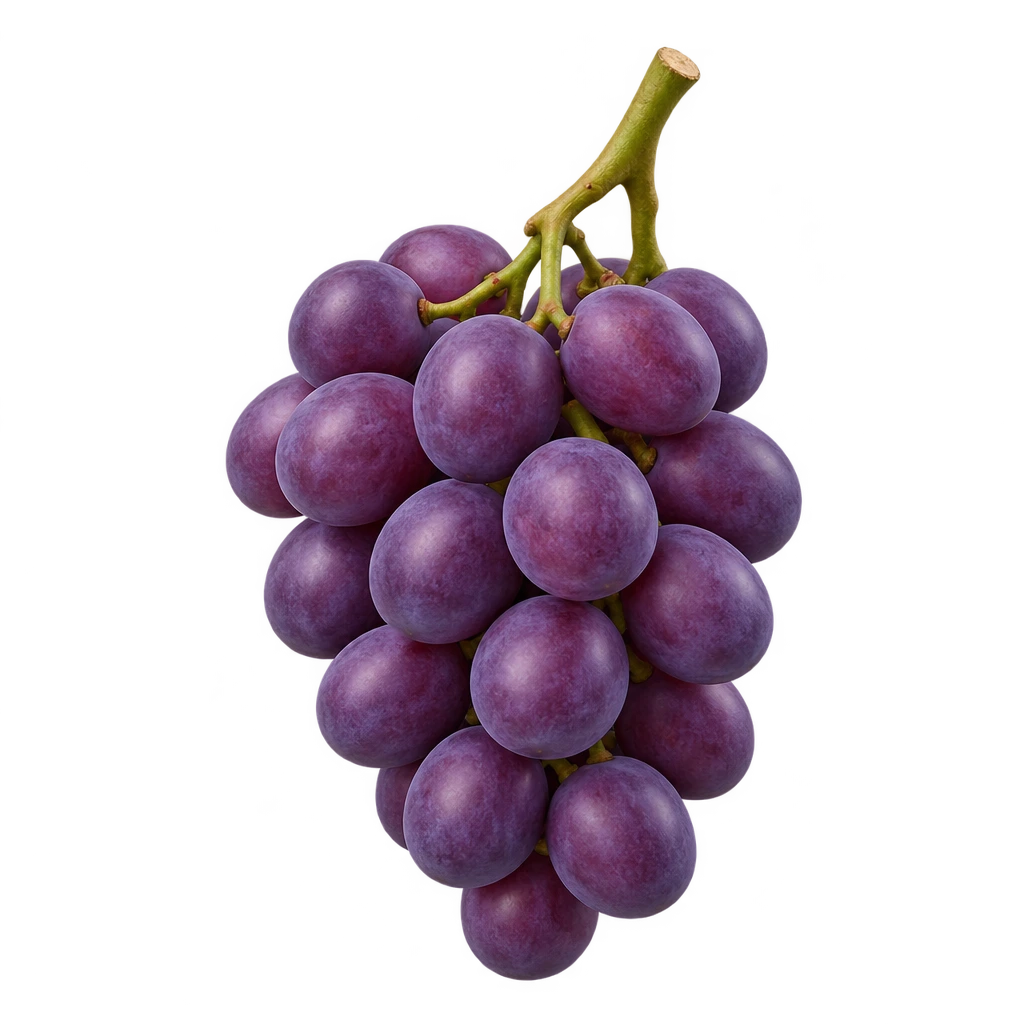 grapesstep 6 of 15pearstep 4 of 15
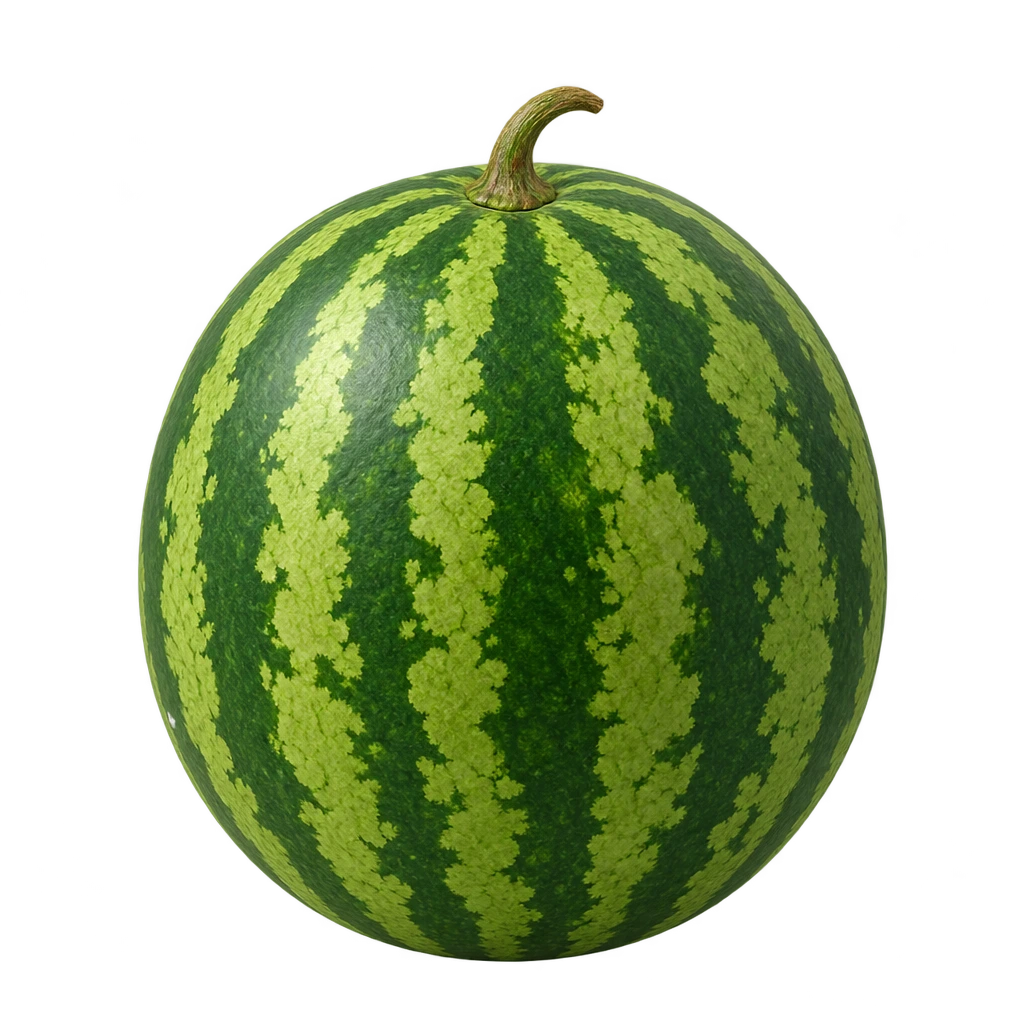 watermelonstep 2 of 15
Coming up
5 words · not started yet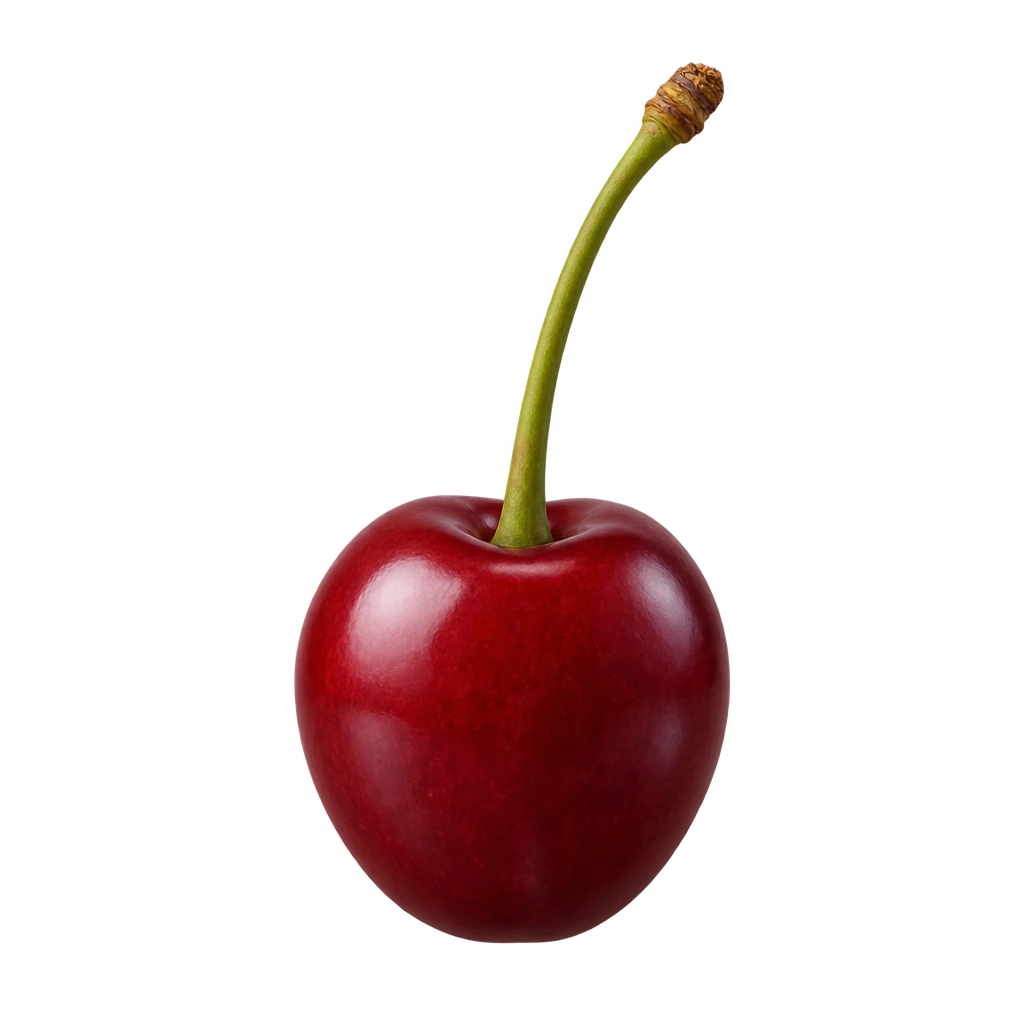 cherry
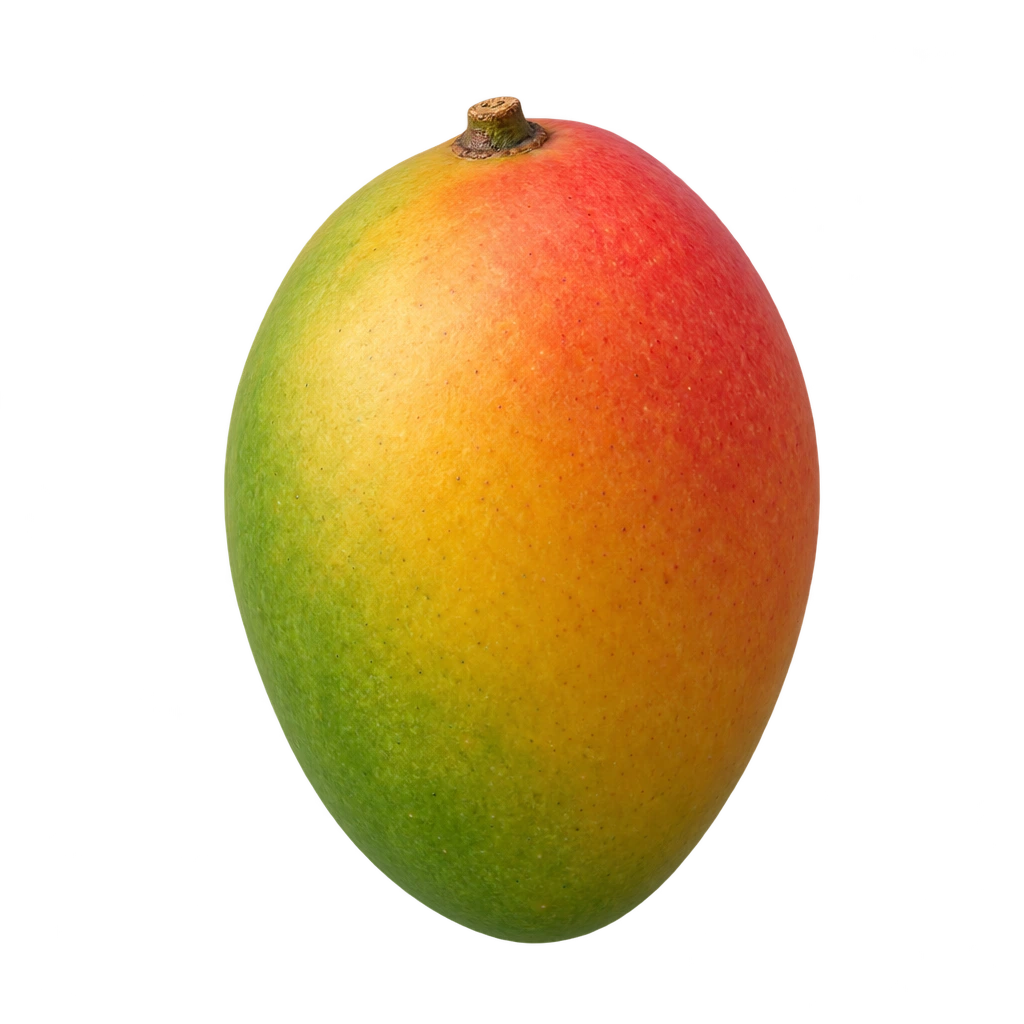 mango
mango
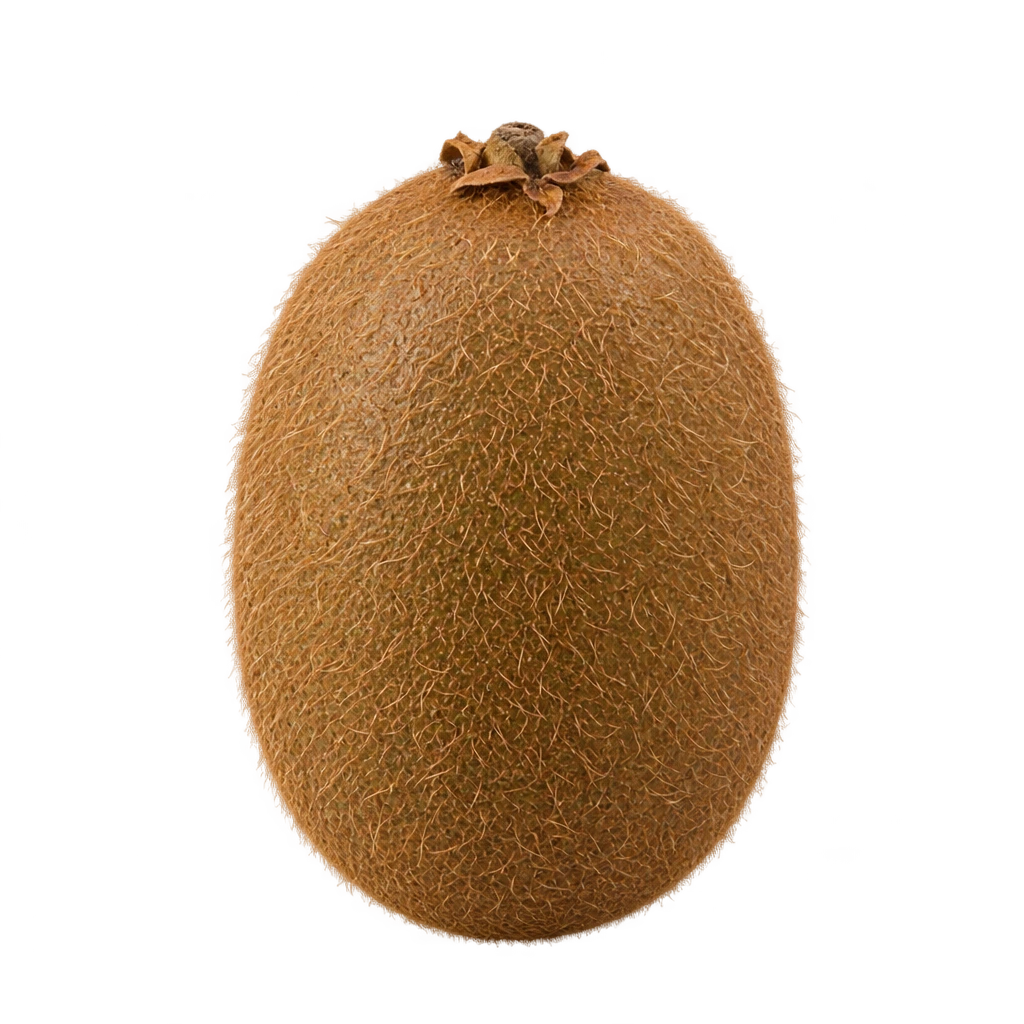 kiwi
kiwi
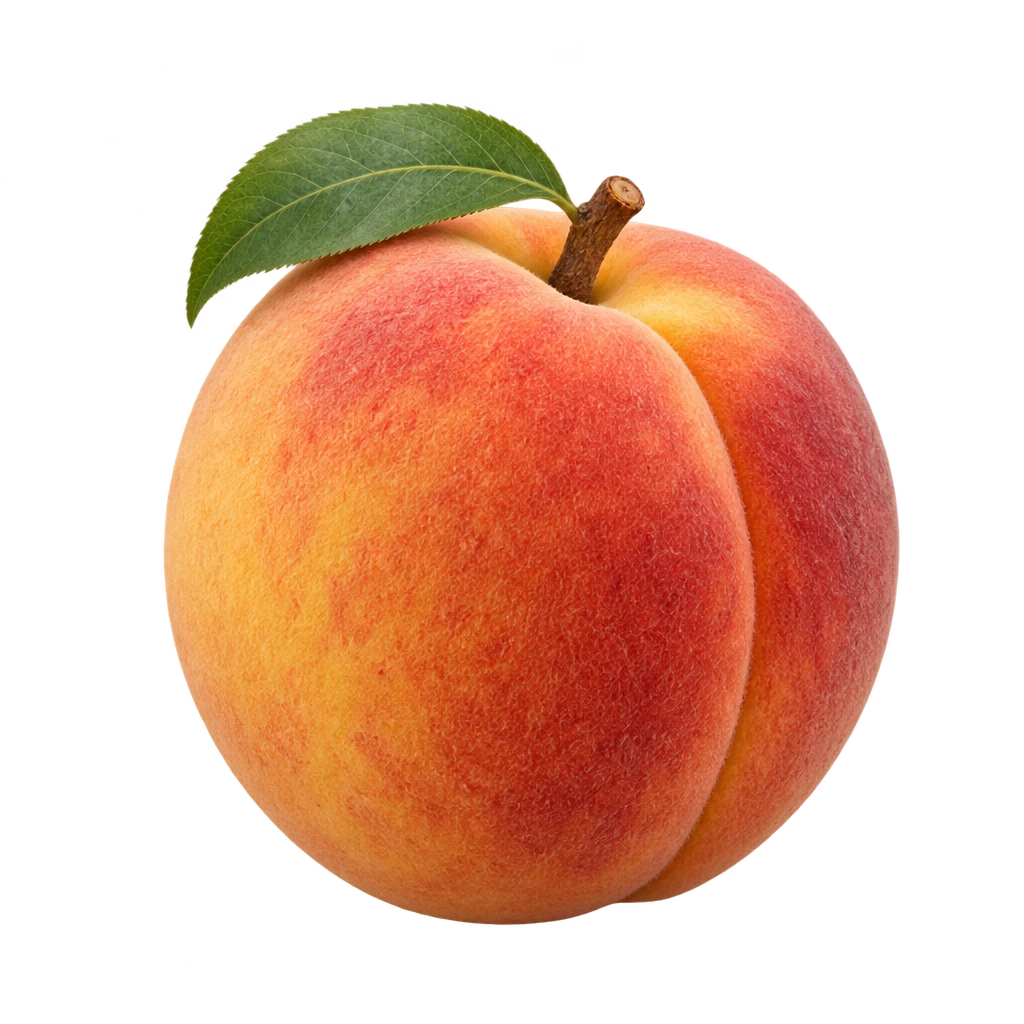 peach
peach
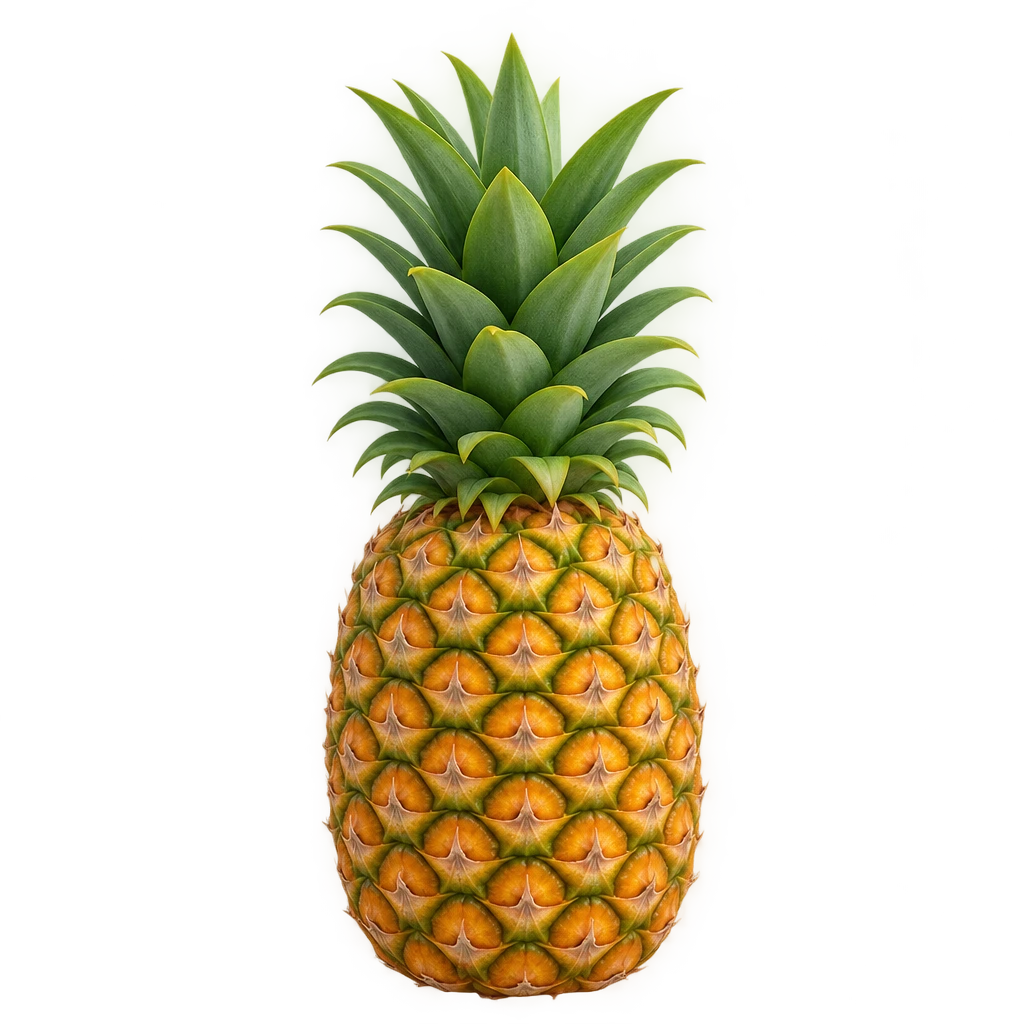 pineapple
Sam's settings
Everything on one sheet
Changes save by themselves
What got simpler
Same app, far fewer decisions for the grown-up and one big Launch button for the child.
Start page
Children, set tiles, more sets, coach cards, sync banner, install hint
Who's playing (tap to launch) and two grown-up doors
Add a child
Profile, then word sets, then the coach
Defaults filled in, so it's one tap

Child settings
Spread over separate sub-screens
Name, buddy, language, rewards, plus “More options”

Grown-up sum
Asked on every grown-up screen
Only when pausing or leaving a running game

Welcome
The same dark silhouette on all four slides
One benefit per slide, each with its own room of the base

Words for grown-ups
Ladders, mechanics, trials, reports
What to learn, Progress, known, learning, coming up
H3 · Hero Base · Mockup; every screen is static, and toggles, buddies, missions, word choices, the child switcher and the keypad are tappable.